Latest Release: September 2025
Highlights
1) Bulk Actions Now Available in Inbox
You can now take action on multiple phone numbers at once with new tools designed to speed up common workflows. Here’s what you can do in just a few clicks to all or selected numbers:
- Mark as Read or Unread
- Mark as Resolved or Unresolved
- Unsubscribe (across lists)
- Apply actions to all or only selected numbers
Reduce time spent on repetitive tasks so you can most efficiently engage with subscriber replies.

2) Inbox: Filter by Affinity Level
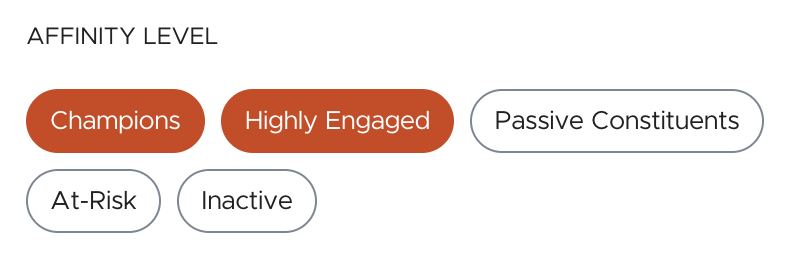
Filter Inbox conversations by Affinity Level and prioritize highly engaged supporters first or focus on re-engaging those whose activity is declining.
Affinity Levels are determined by subscribers’ recent engagement actions like reply sentiment, clicks, donations (if integrated), and opt-outs and mirror the Power Segments available when targeting your audiences for sends.
- Champions – Top-tier supporters with recent, high-impact activity
- Highly Engaged – Consistently active and reliable supporters
- Passive Constituents – Occasionally engaged (e.g., recent click or reply)
- At-Risk – Recently unresponsive or showing signs of disengagement
- Inactive – No recent activity; dormant supporters
3) Favorite Your Tags for Faster Segmentation
Save time when building audiences by favoriting subscriber Tags you use most so they appear at the top of the tags dropdown during segmentation.
To favorite, go to Subscriber Tags under your list settings and click the star next to it. When adding a Tags condition in segmentation, your favorites will automatically appear at the top of the picker for quick access.
Simplify your workflow and speed up your audience building with Favorite Tags.

Other Updates
1) Inbox: Filter Replies by Sentiment
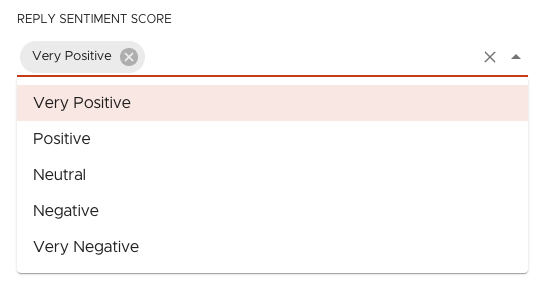
Now you can read your subscriber replies grouped by an AI analysis of their sentiment: Very Negative, Negative, Neutral, Positive, and Very Positive.
Work through similar messages more quickly, spot supporter enthusiasm which can be cultivated into deeper engagement, and combine with other filters like Affinity Levels to surface risks to your highly engaged constituents.
2) View the Full Conversation History in Inbox
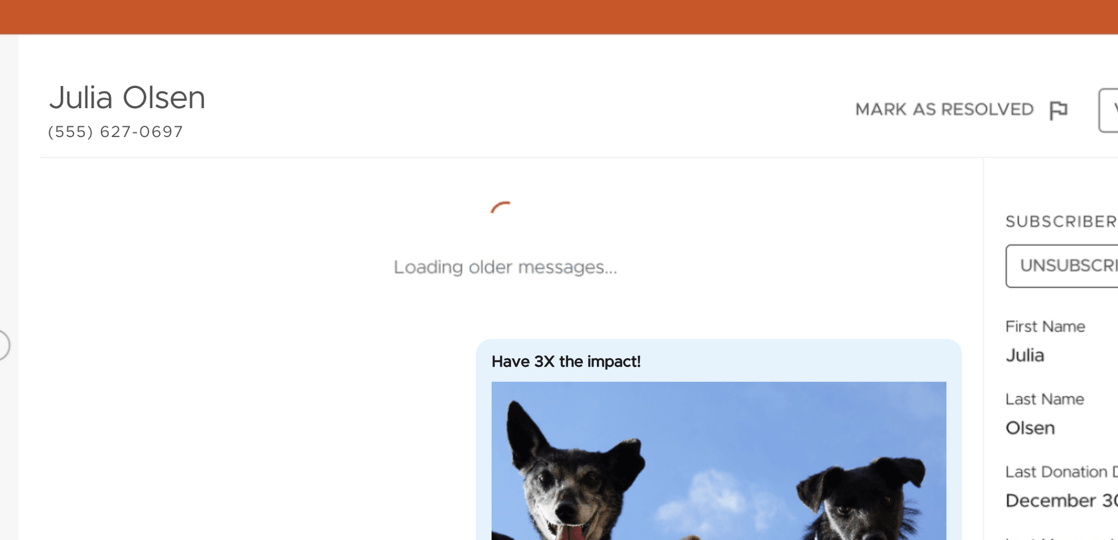
You can now scroll further back in your subscriber conversations—well beyond the previous 90-day limit.
As you scroll, Inbox will now automatically load older messages, giving you access to the full history of supporter replies and broadcasts. Whether you need more context, want to reference past issues, or are simply looking to build a stronger supporter relationship over time, this update puts the full picture at your fingertips.
3) New Date Custom Field Operator – “Is Within/Not Within the NEXT (x) Days”
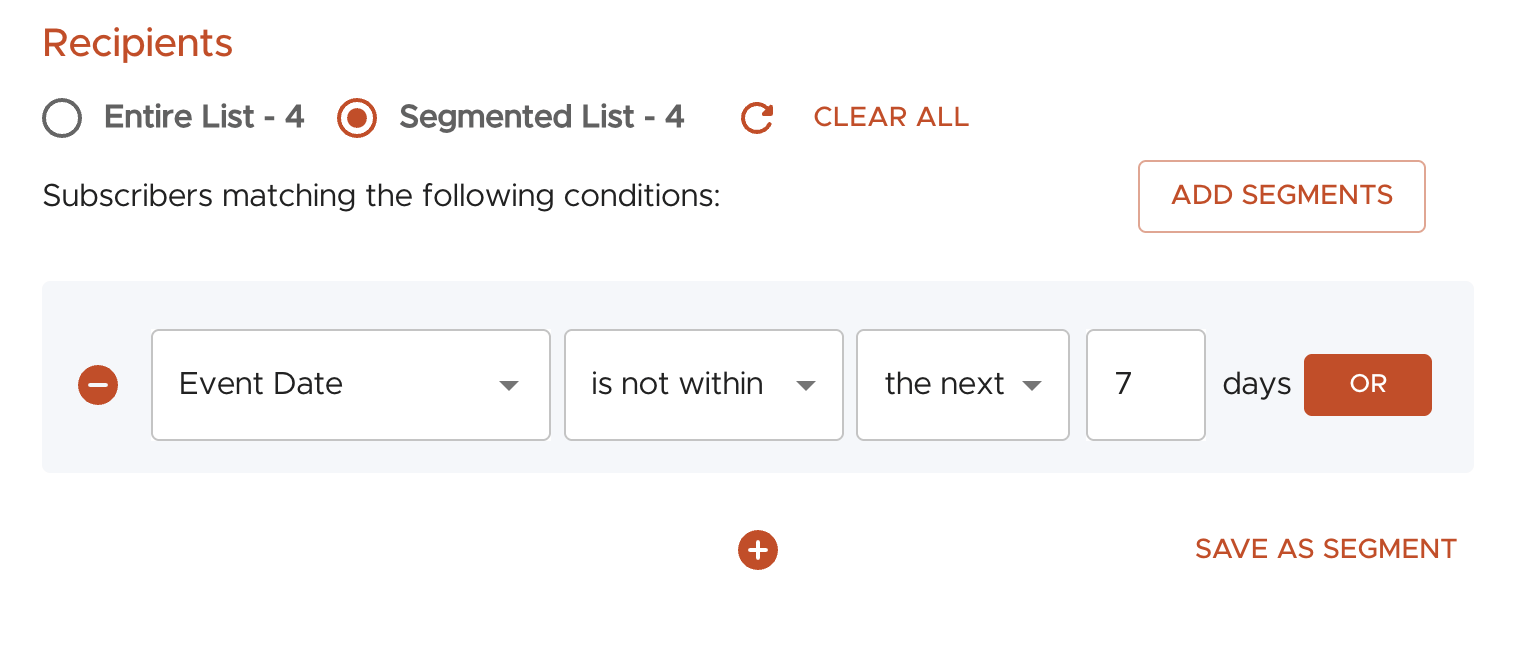
You can now create segments that include or exclude contacts based on upcoming dates in addition to the previous dates segmentation that already existed. This new “is within/not within the NEXT (#) days” operator can be applied to custom date fields, enabling smarter, time-sensitive targeting.
This update helps you create cleaner journeys, reduce message fatigue, and increase the relevance of each message—especially during high-engagement windows.
4) New Integration with Funraisin
We just launched a new native integration with Funraisin that automatically syncs SMS opt-ins from event registrations into Tatango in real time.
With this integration you can:
- Eliminate manual list uploads from Funraisin
- Auto-tag by event ID to make segmentation a breeze
- Power event-related messaging flows (welcome series, day-of reminders, post-event follow-ups, etc.)